This article may contain affiliate links. If you buy through them we may earn a commission at no extra cost to you.
For most international trips, the Anker PowerExpand ($30–40) is the one to buy: universal coverage, three USB ports, and it stays seated in outlets from Prague to Bangkok. If you’re heading to one region only, a $10–16 regional set saves weight and money. Here’s how we sorted the rest.
Why US Plugs Fail Abroad—and What You Actually Need
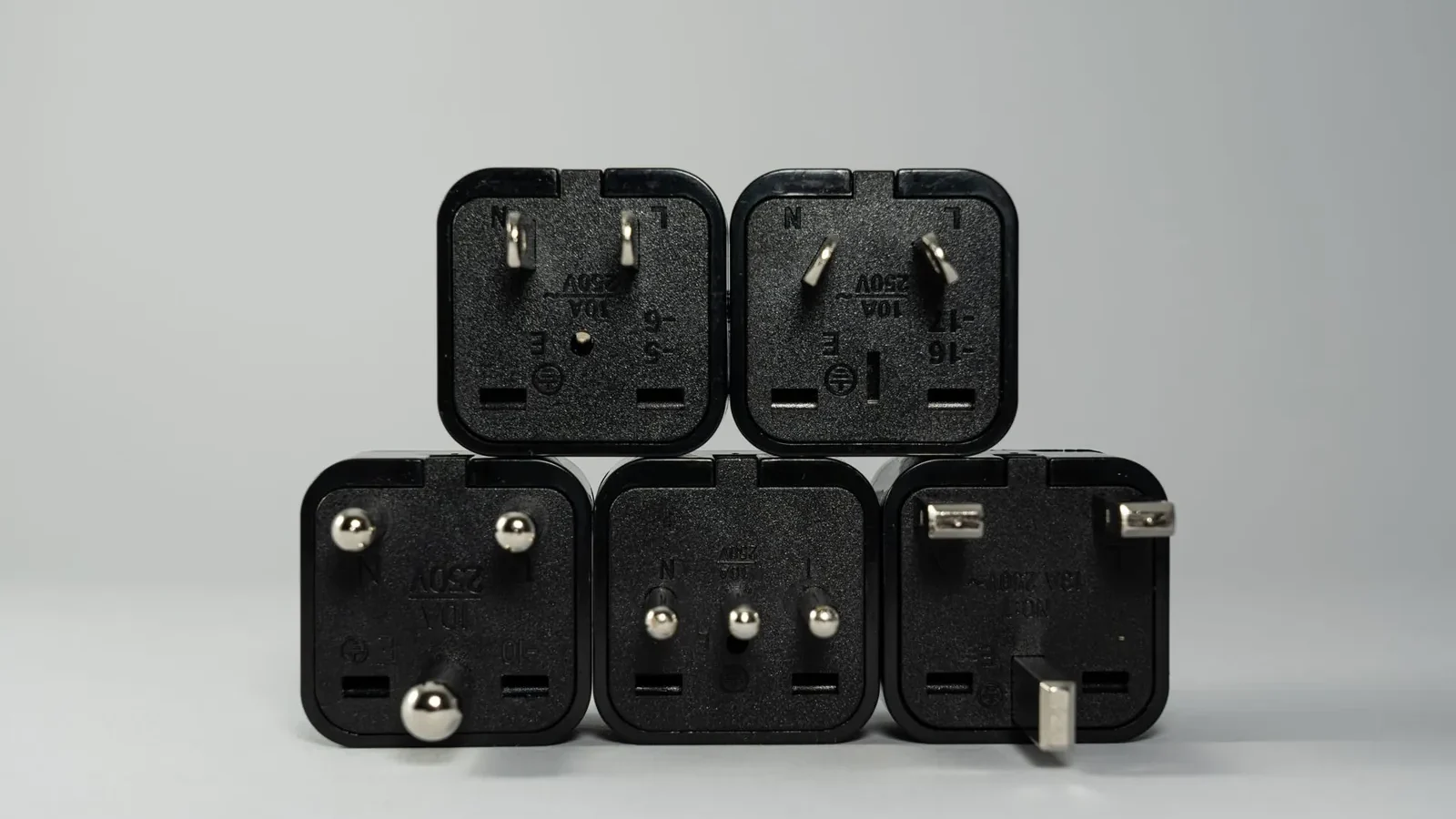
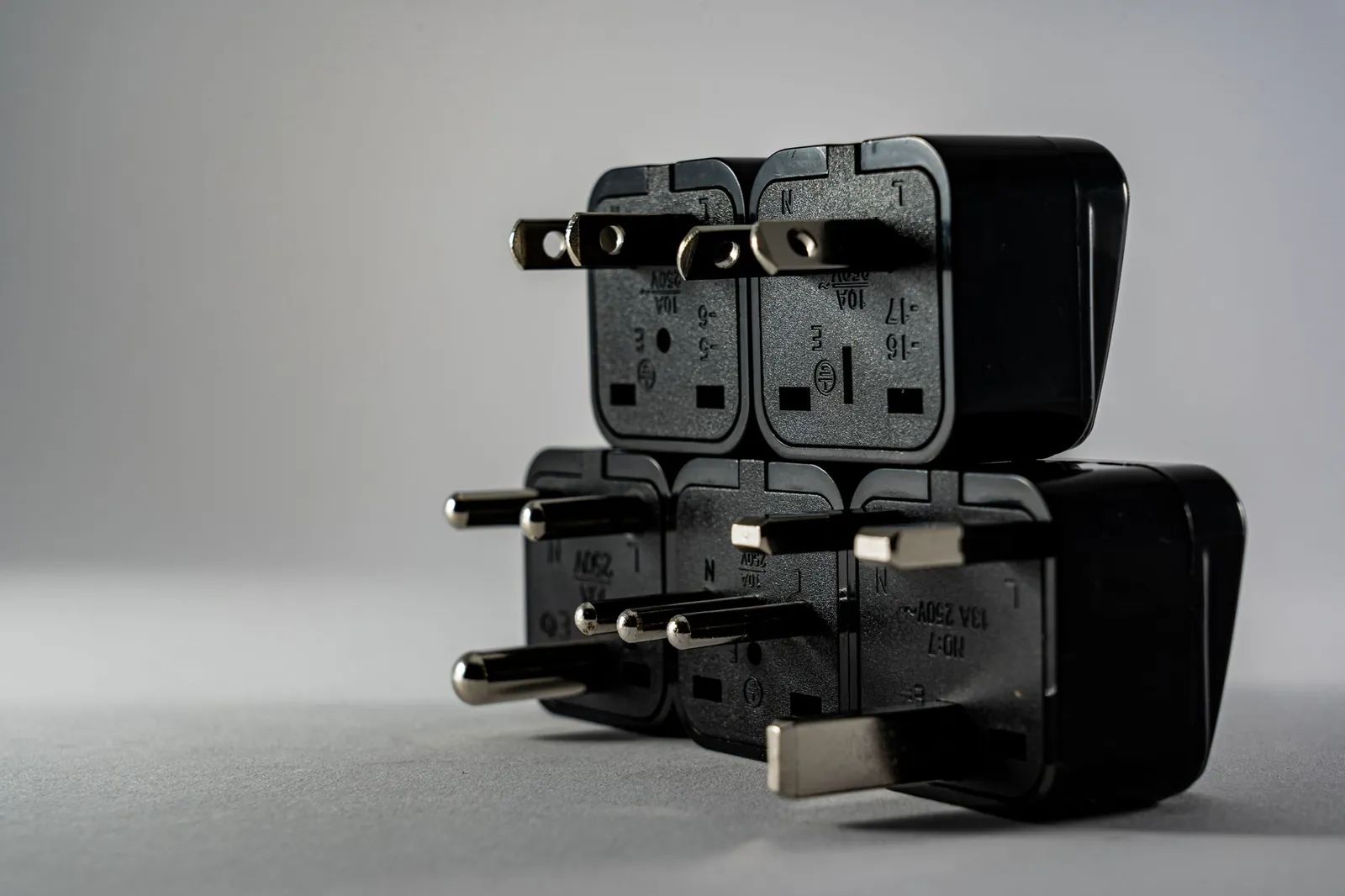
The US runs on Type A and B plugs at 120V. Most of the world uses 220–240V with different physical shapes: Type C (European round pins), Type G (British three rectangular pins), Type I (Australian angled pins), and seven others. Plugging a US device directly into a foreign outlet doesn’t just fail physically—it can destroy your charger.
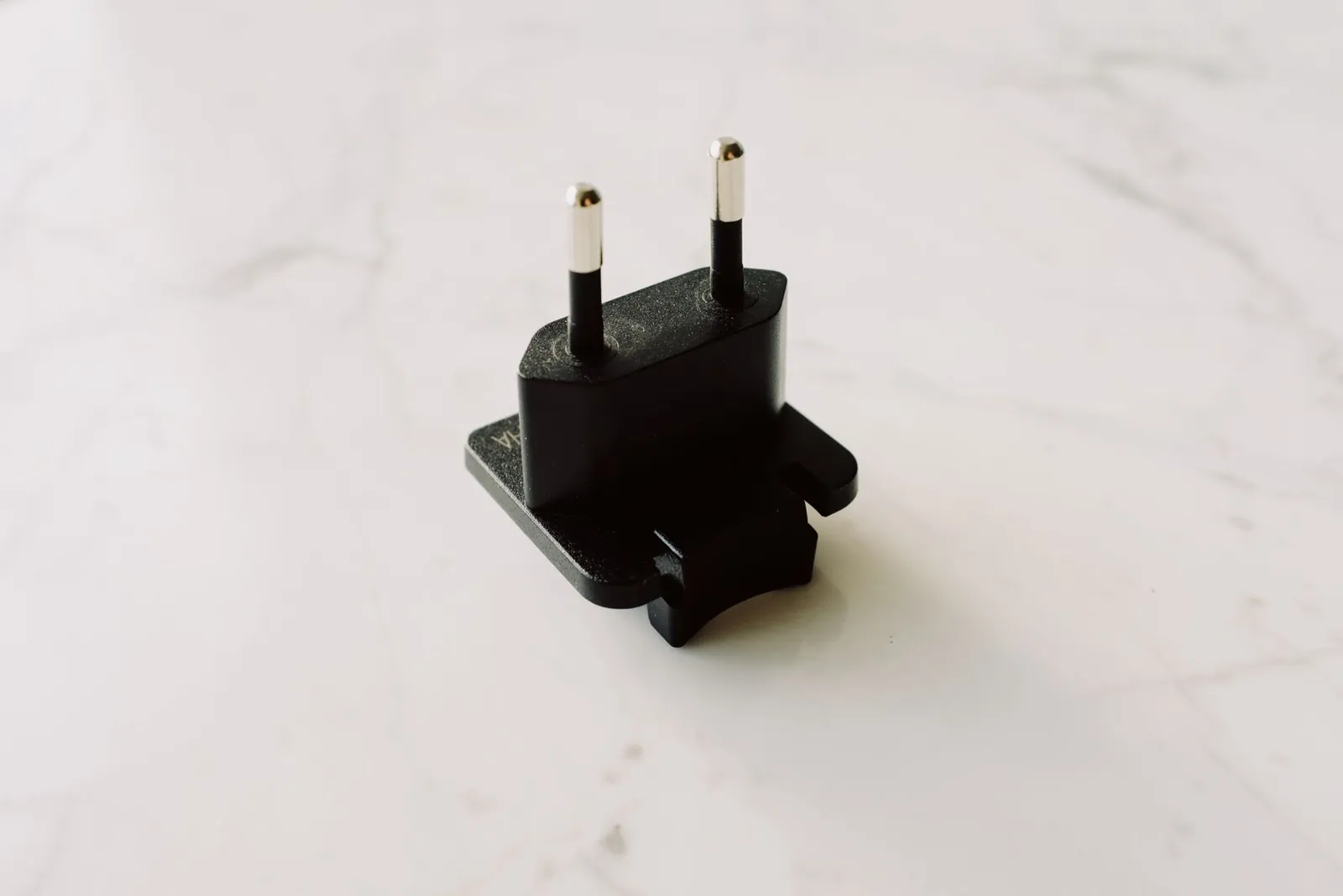
Most travelers need an adapter, not a converter. An adapter changes the plug shape; a converter also steps down voltage. Converters run $50–80, weigh significantly more, and are only necessary for heat-generating devices—hair dryers, electric kettles—that won’t tolerate 240V. For phones, tablets, and laptops, check the label on your charger. If it reads “Input: 100–240V, 50–60Hz,” you need only an adapter.
Universal Adapters: One Plug for 150+ Countries
The trade-off is bulk and sometimes a loose fit. Universal adapters are larger than regional ones, and cheaper models ($8–10) often have USB ports that max out at 1A—slow enough that a modern phone takes 4+ hours to charge.
Best universal pick: Epicka Universal Travel Adapter
$15–22. Handles Types A, B, C, E, F, G, H, I, J, K, L. We used it across 12 countries without a loose connection or overheating issue. The safety shutter is a genuine feature, not marketing—it blocks accidental contact when swapping plugs. The USB-A port runs at 1A, so charge one device overnight rather than expecting a fast top-up. Best for solo travelers who charge one device at a time.
Premium universal: Anker PowerExpand Travel Adapter
$30–40. Same plug coverage as the Epicka, but adds two USB-A ports at 2.4A each and a USB-C at 3A. We recharged a phone, tablet, and camera simultaneously in a Prague hotel without voltage drops or heat. At 3.2 oz, it’s only 0.4 oz heavier than the Epicka—a worthwhile trade for couples or anyone carrying more than one device.
Regional Adapter Sets: Lighter, Cheaper, Specific
If your itinerary covers one region, a set of two to four plugs weighs less and costs $8–16. You carry only what you need, and the plugs seat more securely because they’re purpose-built.
Europe (Types C, E, F)
Bestek European Adapter Kit ($10–14). Three adapters, all fitting in a small pouch. We used this for two weeks across France, Germany, and Italy and never reached for a fourth plug type. No USB ports—you’re relying on your charger’s own ports. Skip this if your hotel rooms have only one outlet and you’re sharing with a travel partner.
Asia-Pacific (Types A, B, C, I)
Ceptics Asia Travel Adapter Set ($12–16). Covers Thailand, Japan, Australia, and India. Lighter than any universal adapter and reliable for a fixed-region trip. Same caveat: no USB, so your charging speed depends entirely on your charger’s own ports.
Multi-Device Chargers: Adapter Plus Power in One Unit
These replace your charger entirely. Heavier than a plain adapter, but you shed one item from your bag.
Best value: Anker 735 Charger (Nano II 65W)
$40–50. One USB-C port at 65W and two USB-A ports at 18W each, with a universal adapter attachment that clips on. In London and Bangkok, we charged a MacBook Air, iPhone, and AirPods simultaneously without throttling. It’s roughly the size of a deck of cards—noticeable in a small bag. Not the pick for minimalists or anyone who already owns a solid multi-port charger.
Budget multi-device: Belkin Travel Charger with Adapter
$25–35. 37W total, with USB-C and USB-A. Adequate for phones and tablets, slow for laptops. The adapter attachment is less stable than Anker’s—we had to angle the cable to keep it seated in a UK outlet. Fine for a week; irritating for a month.
Voltage and Wattage: The Numbers That Matter
Charging speed comes down to wattage. A 5W charger takes 3+ hours for a modern smartphone. 18W brings that to about 1–1.5 hours. 30W or higher is what you want for laptops or simultaneous charging. Most USB-A ports cap at 2.4A (roughly 12W). USB-C with Power Delivery hits 18W–65W depending on the adapter—check the spec sheet before you buy.
An adapter is useless if it doesn’t stay in the outlet or if your charger’s USB ports are too slow to charge before your flight.
Comparison Table: Adapters We Tested
| Adapter | Price (USD) | Countries Covered | USB Ports | Weight | Best For |
|---|---|---|---|---|---|
| Epicka Universal | $15–22 | 150+ | 1× USB-A (1A) | 2.8 oz | Budget solo travelers |
| Anker PowerExpand | $30–40 | 150+ | 2× USB-A (2.4A), 1× USB-C (3A) | 3.2 oz | Couples, multiple devices |
| Bestek European Set | $10–14 | Europe only | None | 1.6 oz (all three) | Europe-focused trips |
| Ceptics Asia Set | $12–16 | Asia-Pacific | None | 1.8 oz (all four) | Asia-focused trips |
| Anker 735 Charger | $40–50 | 150+ (attachment) | 1× USB-C (65W), 2× USB-A (18W) | 5.3 oz | Laptop users, long trips |
| Belkin Travel Charger | $25–35 | 150+ (attachment) | 1× USB-C (37W), 1× USB-A (18W) | 4.1 oz | Light packers, phone/tablet only |
Our verdict
For most travelers: Anker PowerExpand. Universal coverage, three USB ports, and at 3.2 oz it adds almost nothing to a carry-on. For Europe-only trips: the Bestek regional set saves 1.6 oz and $16–26—worth it if you’re counting grams. For laptop users or trips over a month: the Anker 735 replaces your charger entirely, though the added bulk is real. Avoid generic “universal” adapters under $10—the plugs are loose and the USB ports fail within a few trips.
Which Adapter to Pack, by Trip Type
Two weeks in Europe
Bestek European Set ($10–14) if weight is the priority; Anker PowerExpand ($30–40) if you want USB backup when the only outlet is across the room. Europe uses Types C, E, and F almost exclusively. See our packing list for two weeks in Europe for other essentials.
Around the world (3+ months)
Anker PowerExpand. You’ll encounter too many outlet types for regional sets to cover, and the USB-C port handles most modern chargers. At 3.2 oz over 90 days, the weight is irrelevant.
One-week business trip to a single country
Regional adapter ($10–16). You know exactly which outlet type you’ll face. Lighter than universal, and you won’t pay for coverage you don’t need.
Solo backpacking, minimal gear
Epicka Universal ($15–22). The slow 1A USB port is manageable if you’re charging one device at a time and have downtime at hostels. It’s the cheapest reliable universal on the market.
Five Things That Prevent Adapter Failures
- Test at home before departure. Plug your charger into the adapter. If the fit is loose or the outlet feels warm after five minutes, return it.
- Unplug when not in use. We had an adapter overheat in a Bangkok guesthouse—left plugged in overnight with nothing drawing current. Unplug it.
- Pack a backup USB cable. If your charger’s cable fails, a spare USB-A or USB-C cable turns your adapter’s port into a lifeline.
- Confirm outlet count before you arrive. Some hotels have one outlet, positioned behind the desk. An adapter with multiple USB ports avoids the problem entirely.
- Buy before you travel. Airport adapters run $30–50 and offer limited selection. Most city convenience stores—7-Eleven in Bangkok, Carrefour in Paris—stock adapters for $15–25 if you forget.
Frequently asked questions
Do I need a converter or just an adapter?
Check your charger’s label. “Input: 100–240V, 50–60Hz” means an adapter (plug shape only) is all you need. “110V only” means you need a converter that also steps down voltage. Most phone, tablet, and laptop chargers sold in the last decade are 100–240V. Hair dryers, electric kettles, and some older appliances are not.
Can I use a universal adapter in every country?
Universal adapters cover 150+ countries, but Type D (India) and Type M (South Africa, Lesotho) are missing from most models under $30. If your trip includes only India or South Africa, buy a regional set or confirm the universal you’re considering explicitly lists those types. For Europe, Asia, Australia, and South America, a standard universal works without issue.
Why is my adapter getting hot?
Adapters shouldn’t get warm—only the charger itself may. Heat from the adapter points to a loose connection causing arcing, a faulty outlet, or a charger drawing more current than the adapter is rated for. Try a different outlet first. If it still heats up, the adapter is defective; return it. A hot adapter can damage connected devices or start a fire.
Can I charge my laptop through a travel adapter’s USB ports?
Only if the adapter has USB-C with 30W or higher. USB-A ports max out around 12W—far too slow for laptops, which typically require 45W–65W. Among the adapters we tested, the Anker 735 (65W USB-C) is the only one that handles a MacBook Air or similar at full speed. Check your laptop’s charger wattage before assuming any USB-C port will do the job.
Should I buy an adapter before I travel or at the airport?
Before. Airport adapters cost 2–3× more ($30–50) with limited selection and no time to test. Order online a week before departure, test it at home with your actual charger, and pack it. If you arrive without one, convenience stores in most major cities carry them for $15–25—slower than ordering ahead, but far cheaper than the airport.

Maya has spent twelve years writing about travel, from budget backpacking to family resorts, and still packs too many socks.